
SevenReels Canada Mobile App — Download, Install and Play
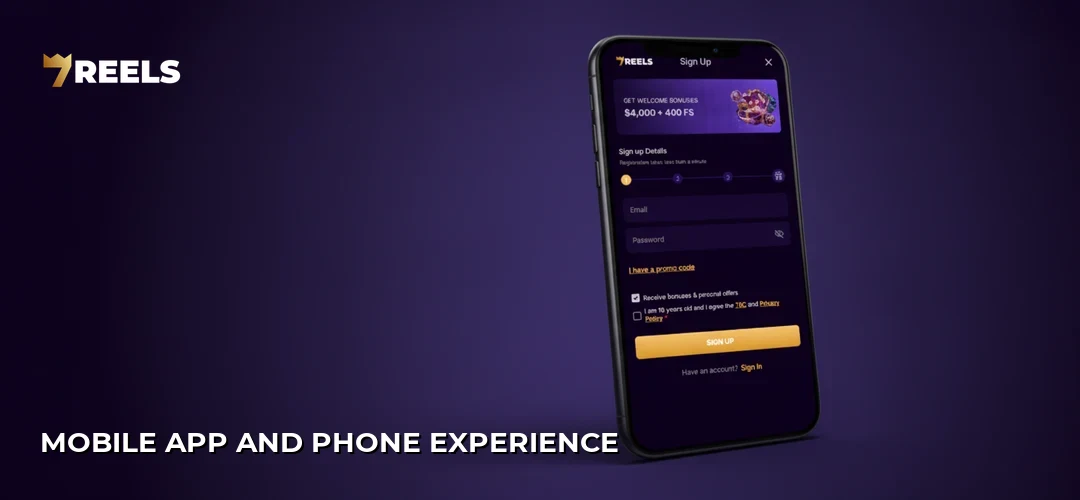
SevenReels delivers a polished mobile experience that puts an entire gaming catalogue in the palm of Canadian players’ hands. The app mirrors the desktop platform’s sleek dark-purple aesthetic while optimizing navigation for touchscreens—lobby filters respond instantly, game tiles load without stutter, and the account dashboard keeps deposits and withdrawals just two taps away. Players accessing SevenReels on the go will find the same Welcome Pack worth 4000 CAD + 400 FS available through the mobile interface, with no separate registration required. Whether commuting through Toronto or relaxing at a Vancouver café, the app transforms any smartphone into a portable gaming hub.
Table of contents
App overview
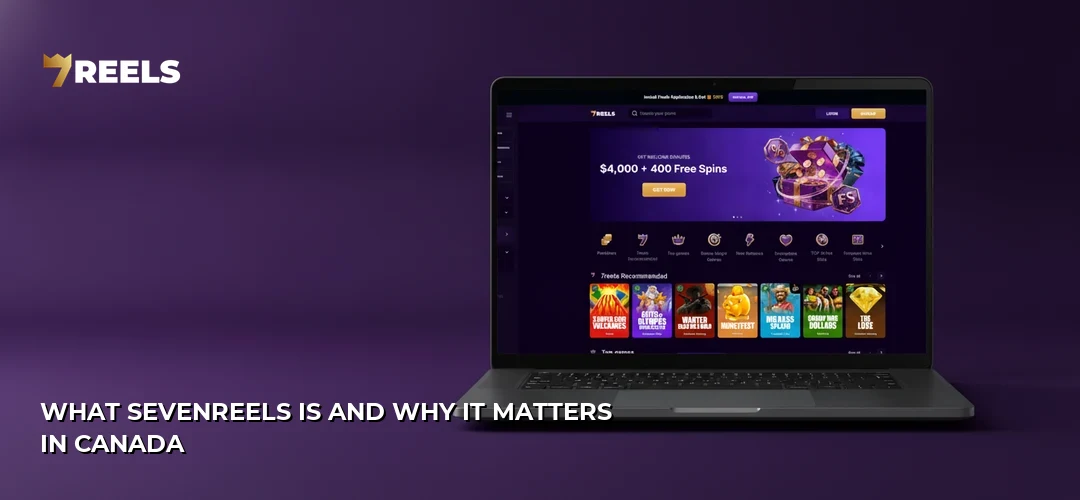
The SevenReels mobile app functions as a dedicated gateway to slots, live dealers, and sports betting for Canadian players who prefer native-app fluidity over browser tabs. Built to reflect the main site’s signature gradient palette—deep plum fading into midnight purple—the interface prioritizes thumb-friendly controls and rapid category switching. Game thumbnails populate the lobby in neat grids, each one launching in full-screen mode optimized for vertical or horizontal play. Account management travels with the user: balance checks, bonus tracking, and support chat sit inside a collapsible menu that never obscures gameplay. For Canadians seeking uninterrupted sessions without Safari or Chrome overhead, this app removes the friction between idea and action.
App features
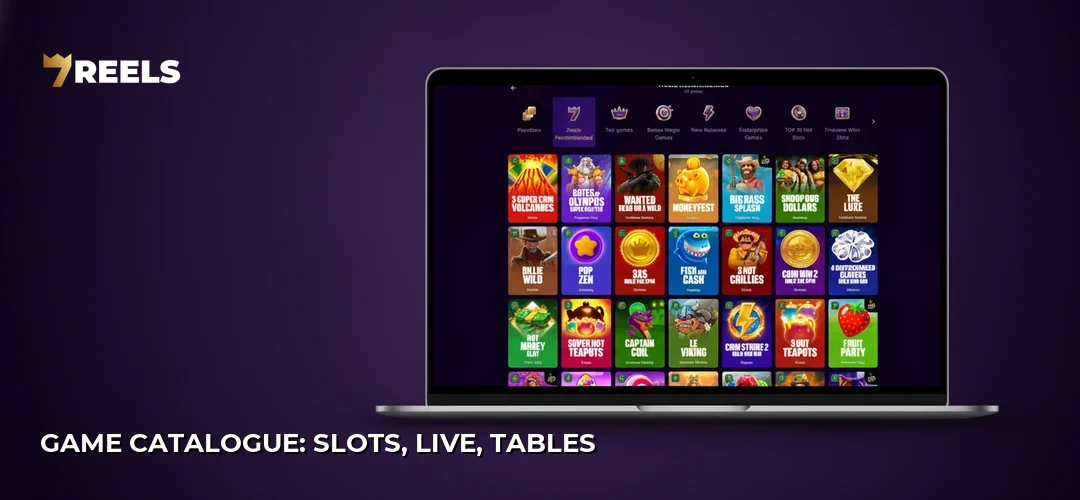
- Unified lobby: Slots, table games, live casino, and sports betting categories appear in a single tabbed interface with instant filtering by provider or popularity.
- Push notifications: Real-time alerts for bonus activations, deposit confirmations, and promotional drops arrive directly to the device’s notification tray.
- Biometric login: Face ID and fingerprint authentication replace password entry on supported devices, speeding up access while maintaining account security.
- Full payment integration: Every deposit and withdrawal method available on desktop functions identically within the app, including Interac, Visa, Mastercard, and cryptocurrency options.
- Live chat access: The 24/7 support widget slides out from any screen, allowing players to resolve issues without leaving their current game.
- Favourites system: A heart icon on each game tile lets players build a personalized library for one-tap launching of preferred titles.
- Responsible gaming tools: Deposit limits, session reminders, and self-exclusion options remain accessible under account settings.
- Dark-mode-first design: The app’s native colour scheme reduces eye strain during nighttime sessions and conserves battery on OLED screens.
Download and install on Android
Android users can install the SevenReels app directly from the mobile site since it is distributed as an APK rather than through Google Play. The process takes under two minutes and requires a one-time security adjustment.
| Step | Action | Description |
|---|---|---|
| 1 | Open Chrome or another mobile browser | Navigate to the official SevenReels site using your device’s default browser. |
| 2 | Tap the Download App banner | A prompt appears near the top of the homepage or in the hamburger menu. |
| 3 | Allow installation from Unknown Sources | When prompted, go to Settings → Security → Install Unknown Apps and toggle permission for your browser. |
| 4 | Tap the downloaded .apk file | Locate it in your notification shade or Downloads folder and tap to begin installation. |
| 5 | Press Install on the confirmation dialog | Android verifies the package and places the SevenReels icon on your home screen. |
| 6 | Launch the app and tap Log In or Register | Existing members enter credentials; new players can create an account directly in-app. |
Install on iOS
iPhone and iPad users access SevenReels through a progressive web app shortcut, delivering an experience nearly identical to a native download without App Store involvement.
| Step | Action | Description |
|---|---|---|
| 1 | Open Safari on your iOS device | The shortcut feature works exclusively through Safari, not Chrome or Firefox. |
| 2 | Navigate to the SevenReels mobile site | Enter the URL or follow a promotional link to reach the homepage. |
| 3 | Tap the Share icon (square with upward arrow) | This button sits at the bottom-centre of Safari’s toolbar. |
| 4 | Scroll and select Add to Home Screen | The option appears in the second row of the share sheet. |
| 5 | Rename the shortcut if desired and tap Add | A SevenReels icon now appears on your home screen like any native app. |
| 6 | Launch the shortcut and tap Log In | The PWA opens in full-screen mode without Safari’s address bar. |
System requirements
SevenReels optimizes its app for modern mobile hardware while maintaining backward compatibility with devices a few generations old. The table below outlines minimum and recommended specifications.
| Platform | Minimum OS | Recommended OS | Storage | RAM |
|---|---|---|---|---|
| Android | Android 6.0 (Marshmallow) | Android 10 or newer | ~80 MB | 2 GB+ |
| iOS (PWA) | iOS 12 | iOS 15 or newer | Minimal (cache-based) | 2 GB+ |
Devices running older software may experience slower load times or graphical glitches in high-definition slots. Players on flagship phones from the past three years will enjoy the smoothest performance.
App vs mobile web
Both the dedicated app and the mobile browser version deliver the full SevenReels catalogue, yet each option carries distinct advantages depending on how a player prefers to engage.
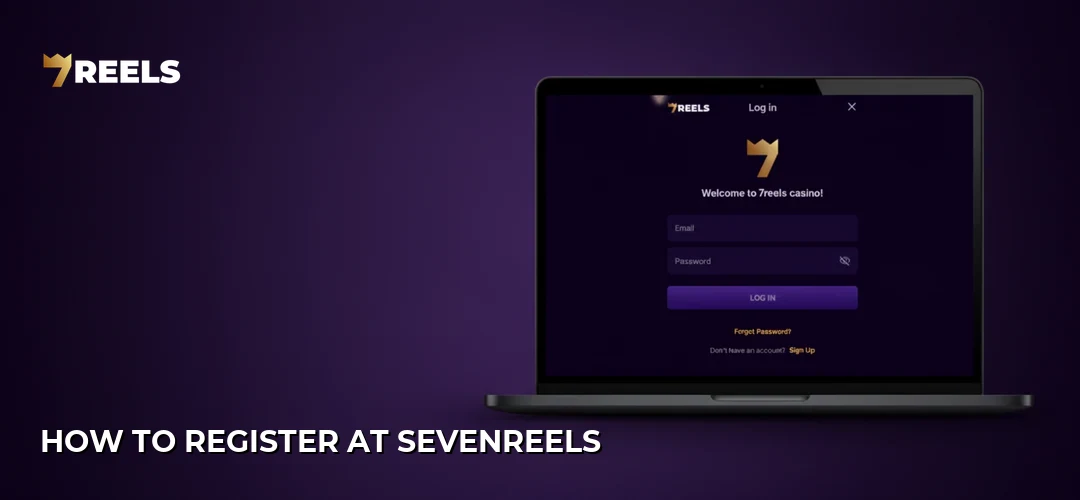
| Feature | Mobile App | Mobile Browser |
|---|---|---|
| Push notifications | Yes | Limited (browser-dependent) |
| Biometric login | Yes | No |
| Storage footprint | ~80 MB on Android; minimal cache on iOS | None beyond browser cache |
| Game library | Full access | Full access |
| Payments | Full integration | Full integration |
| Updates | Manual APK or automatic PWA refresh | Automatic with page reload |
| Battery impact | Lower (optimized processes) | Higher (browser overhead) |
Players who want instant alerts and faster re-entry should install the app. Those who avoid downloads or have limited storage can rely on the mobile site without sacrificing functionality.
Deposit and withdraw from the app
Managing funds on the SevenReels app mirrors the desktop cashier experience. Full details on available methods and limits can be found on the SevenReels deposits and withdrawals; below is the general flow.
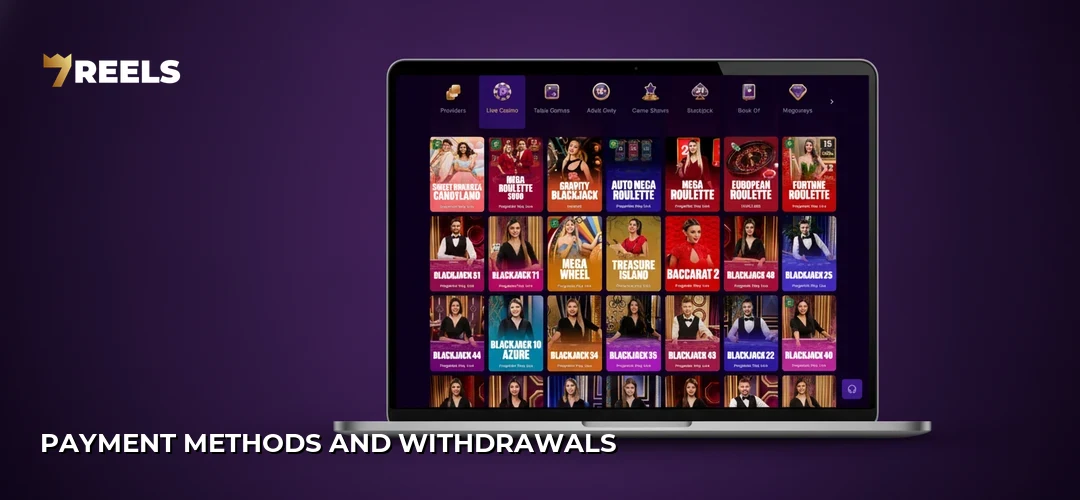
| Step | Action | Description |
|---|---|---|
| 1 | Tap the Menu icon (three horizontal lines) | The side drawer reveals account options including the cashier. |
| 2 | Select Deposit or Withdraw | Two clearly labelled buttons appear at the top of the cashier section. |
| 3 | Choose a payment method | Options include Interac, Visa, Mastercard, and various cryptocurrencies. |
| 4 | Enter the amount and confirm details | The app validates minimums before proceeding. |
| 5 | Authenticate via bank redirect or wallet password | External banking apps or 2FA may be required depending on the method. |
| 6 | Review the confirmation screen | A success message displays, and the updated balance reflects immediately for deposits. |
Notifications and settings
- Bonus alerts: The app sends push notifications when new promotions activate or when free spins become available.
- Deposit confirmations: A real-time ping confirms successful fund transfers, eliminating guesswork.
- Withdrawal updates: Status changes—pending, approved, completed—arrive as push messages.
- Sound and vibration toggles: Players can mute in-app audio or haptic feedback under settings without affecting device-wide preferences.
- Language selector: English and French options cater to Canada’s bilingual population.
- Session timeout: Adjustable auto-logout intervals protect accounts left unattended.
Performance and data usage
The SevenReels app prioritizes efficient bandwidth consumption so players on Canadian mobile data plans can enjoy sessions without unexpected overages. Slot thumbnails load progressively, meaning only visible tiles fetch high-resolution assets. Live dealer streams adapt quality dynamically based on connection strength—strong LTE or Wi-Fi delivers crisp HD video, while weaker signals downgrade gracefully rather than buffering indefinitely. A typical one-hour slot session consumes roughly 50–100 MB, whereas live casino play can reach 300–500 MB due to continuous video feeds. Players concerned about data can enable Wi-Fi-only mode in their device settings or monitor usage through built-in Android and iOS trackers.
Common app problems and fixes
- APK won’t install: Navigate to Settings → Security → Install Unknown Apps and grant permission to the browser you used for downloading.
- App crashes on launch: Clear the app cache via Settings → Apps → SevenReels → Clear Cache, then restart the device.
- “Session expired” errors: Log out fully, close the app, reopen it, and log in again to refresh authentication tokens.
- Games fail to load: Check network connectivity; switch from mobile data to Wi-Fi or vice versa to rule out carrier-level blocking.
- Push notifications missing: Ensure notifications are enabled both in device settings and within the app’s own preferences menu.
- Biometric login not working: Re-register your fingerprint or Face ID in device settings, then toggle the feature off and back on inside the app.
- Outdated app version: Delete the existing APK, download the latest version from the SevenReels site, and reinstall.
Security on mobile
SevenReels employs SSL/TLS encryption across all data transmissions, ensuring that login credentials, payment details, and personal information remain unreadable to third parties. The app does not store full card numbers locally; tokenized references handle repeat transactions. Biometric authentication adds a physical verification layer that passwords alone cannot provide—someone would need both the device and the registered fingerprint or face to access the account. Players should nonetheless follow standard mobile hygiene: avoid public Wi-Fi for financial transactions, keep operating systems updated, and never share login details. Responsible gaming controls, including deposit caps and cooling-off periods, travel with the account and apply identically whether accessed via desktop or app. See the SevenReels registration process step by step.
Updates
App improvements roll out periodically to introduce new features, patch bugs, and enhance performance. Android users receive update notifications within the app itself; tapping the prompt downloads a fresh APK that overwrites the existing installation without erasing account data. iOS PWA users benefit from automatic updates since the shortcut pulls the latest version each time it launches with an active internet connection. Staying current ensures compatibility with new game providers and payment integrations while closing any security vulnerabilities discovered since the previous release. Players who disable notifications should manually check for updates by visiting the SevenReels mobile site every few weeks.
Tips for the app
Maximizing the SevenReels mobile experience comes down to small habits that compound over sessions. Keep the device charged above 20 percent—intensive graphics can drain batteries faster than casual browsing. Enable Do Not Disturb mode during focused play to prevent incoming calls from interrupting a bonus round. Use the favourites feature liberally; building a curated library of preferred slots saves scrolling time when returning to the lobby. Take advantage of the SevenReels bonuses and promotions section directly from the app menu to monitor wagering progress and claim reload offers. Finally, explore the live casino category on a stable Wi-Fi connection at least once—dealer-hosted tables shine on mobile screens, and the social element adds a layer of engagement slots cannot replicate.
Device compatibility
SevenReels runs smoothly across a wide range of smartphones and tablets popular among Canadian users. The table below lists compatibility notes for common device families.
| Device Family | Compatibility | Notes |
|---|---|---|
| Samsung Galaxy S / A series | Full | Android 10+ delivers optimal performance. |
| Google Pixel | Full | Stock Android handles APK installations seamlessly. |
| OnePlus | Full | High refresh-rate screens enhance slot animations. |
| iPhone (8 and newer) | Full (PWA) | Best with iOS 15 or later for smoother PWA behaviour. |
| iPad | Full (PWA) | Larger screen real estate suits live dealer games. |
| Huawei (post-2019 without Google Services) | Partial | APK installs manually; some push notification limitations. |
| Budget Android devices (<2 GB RAM) | Limited | May experience slower load times and occasional lag. |
FAQ
Does SevenReels have an app for Android and iOS?
Yes. Android users download an APK directly from the SevenReels mobile site, while iOS users add a progressive web app shortcut via Safari. Both methods deliver full access to games, payments, and account features without relying on official app stores.
How do I download the SevenReels app in Canada?
Visit the SevenReels site on your mobile browser, tap the download banner, and follow on-screen prompts. Android requires enabling installation from unknown sources; iOS requires using Safari’s “Add to Home Screen” option.
Is the SevenReels app safe to install?
The app uses SSL encryption and does not request excessive device permissions. Downloading from the official site rather than third-party repositories ensures the file has not been tampered with. Biometric login adds an extra security layer.
Can I deposit and withdraw from the app?
Absolutely. The mobile cashier supports the same methods available on desktop, including Interac, Visa, Mastercard, and cryptocurrencies. Transactions process identically, and confirmation notifications arrive via push alerts.
Does the app have all the games the site has?
Yes. Slots, table games, live casino, and sports betting categories are fully accessible through the app. Providers and titles mirror the desktop library without any mobile-exclusive restrictions.
How much data and storage does the app use?
The Android APK occupies approximately 80 MB. Data consumption varies: slot sessions average 50–100 MB per hour, while live dealer streams can reach 300–500 MB. iOS PWA storage is minimal since it relies on browser caching.
What do I do if the app will not install or crashes?
For installation failures, enable unknown sources in your security settings. For crashes, clear the app cache, restart your device, and ensure you are running a compatible OS version. Reinstalling the latest APK often resolves persistent issues.
Do I need to update the app manually?
Android users receive in-app update prompts and must download the new APK manually. iOS PWA users benefit from automatic updates each time the shortcut launches with an internet connection, requiring no manual intervention.
Ready to experience SevenReels on the go? today.